The short version
- A register has to answer three questions: who is in room 6, who arrives tomorrow and who still owes money.
- Paper survives a power cut, but it has one copy and cannot refuse a double booking.
- A spreadsheet fixes the adding up, but it breaks quietly and is awkward on a phone.
- An app adds care when you are tired, but it costs a charged phone, some trust and a week of learning.
- Run any app beside the register for a week before you stop writing on paper.
What a register has to do
Forget features for a moment. At eleven at night the register has to answer three questions. Who is in room 6? Who arrives tomorrow? Who still owes us money? If your system answers those quickly and correctly, it is doing its job, whatever it is made of.
Paper
Best when you have a handful of rooms and one trusted person takes every booking.
Watch out for one copy on the desk and double bookings.
Spreadsheet
Best when you need searching and adding up.
Watch out for quiet formula errors, and tiny cells on a phone.
App
Best when several people take bookings, or you need the record away from the desk.
Watch out for the cost of a phone, trust and a week of learning.
For each stay, the useful things to write down are the guest's name and phone number, an ID number if you keep one (a CNIC or a passport number, for example), the room, the dates, the price you agreed, what has been paid and when, and who took the money. That last one matters more than people expect. It is the first thing you reach for when the cash does not match.
A word on ID numbers. Keep only what you actually need, and keep it somewhere that is not lying open on the desk. What you are required to record, and for how long, depends on where you are, so ask your local authority or your accountant. We are not lawyers, and Roost will not tell you what the rules are.
The paper register
It deserves more respect than it gets. It works in a power cut. Nobody needs training. A guest watches you write their name and knows they are on the list.
The trouble comes later. There is one copy, and it lives on the desk. Handwriting gets worse as the day goes on. Working out nineteen nights at a discounted rate, minus a deposit, happens on the back of your hand. Finding out what a guest paid last March means turning pages. And if two people take bookings, one by phone and one at the desk, a double booking is only a matter of time. A paper book cannot refuse a booking. It can only record it.
It also cannot be checked from somewhere else. If you are at the market and a guest calls to ask whether room 3 is free, you are either guessing or driving back.
The spreadsheet
A spreadsheet fixes the searching and the adding up. It brings its own problems, and they are quieter ones. One sorted column and every row beneath it is now wrong. A formula somebody typed over. A cell that says Paid, so you cannot tell whether that was the deposit or the whole bill. Two copies on two phones, each slightly different.
It is also awkward on a phone, and a phone is where you are for most of the day. Typing into tiny cells while a guest waits is miserable, and that alone can be enough to make you stop updating it.
An app
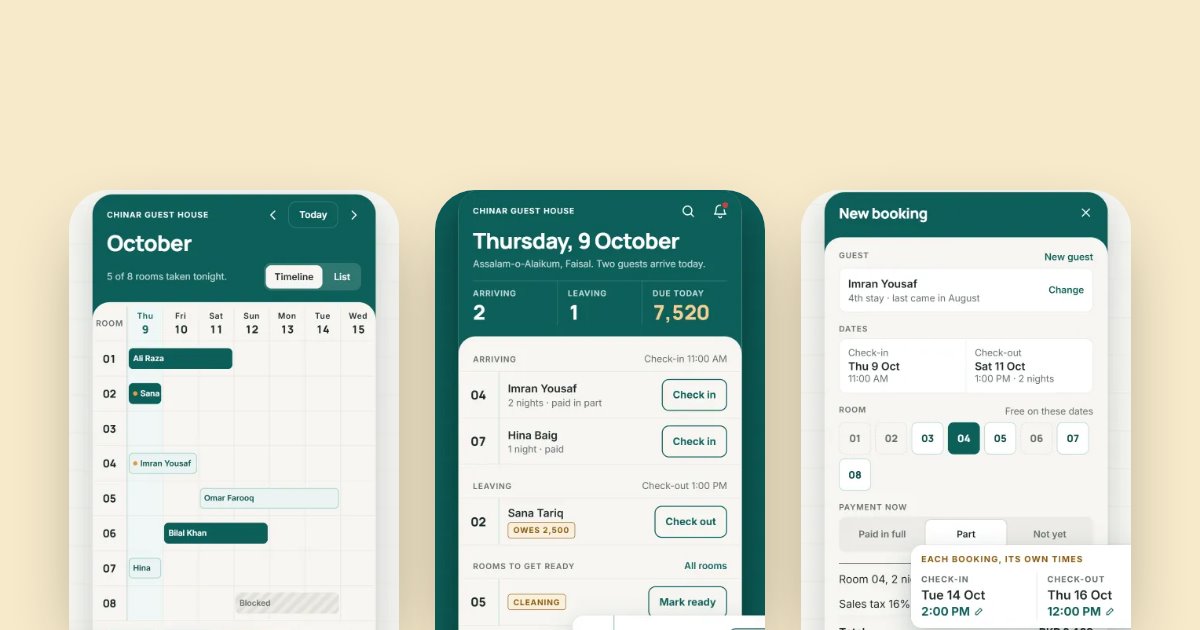
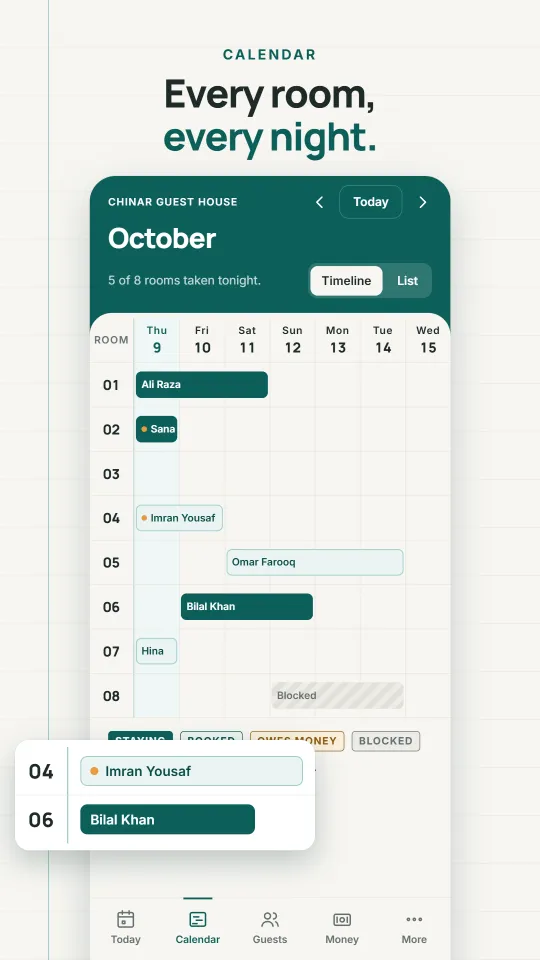
A booking app cannot do anything a careful person with a notebook cannot do. What it adds is care at the moments when you are tired. It will not let you book a room that is already taken for those dates. It keeps payments as separate entries with dates, so a deposit and a final payment stay visible instead of collapsing into one number. It adds up nights and extras the same way every time. It can print a receipt, and it can show you everyone who owes money in a single list.
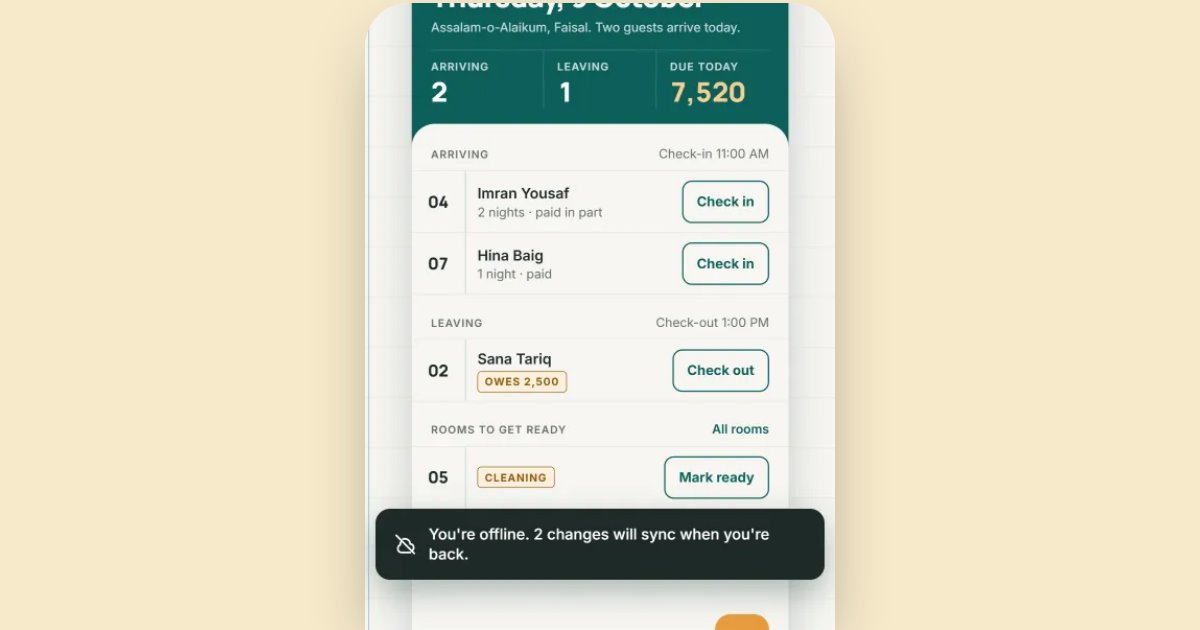
The costs are real. You need a phone that works and holds a charge. You have to trust whoever made the app with your guests' details. You will spend an evening learning it, and for that first week you will probably be slower than you were with paper. Ask all of this of any app you try, including mine.
A quick test
Here is how I would decide. Stay with paper if you have a handful of rooms, you or one trusted person take every booking, and you have never had a double booking or an argument about what was paid. That is a real answer, not a polite one.
Look for something else if any of these has happened to you:
- Two guests turned up for the same room.
- A guest said they had paid more than you had written down, and you could not prove otherwise.
- You lost an evening adding up the month for your accountant.
- You needed a record while you were away from the desk.
If you try an app, do it beside the register
- For the first week, keep writing in the notebook exactly as before.
- Enter each booking in the app when it happens, not in one batch at night.
- At the end of the week, compare. Do the totals match? Did the app catch anything the book missed?
- Only then stop writing on paper.
That week is the only trial that counts. A feature list will not tell you whether an app fits the way your front desk really runs.
Where Roost fits
Roost is the app we make, so weigh what we say accordingly. It is free to start on Android, it also runs on Windows, it is built for 1 to 30 rooms, it keeps working when the internet drops, and its calendar refuses bookings that overlap. It has no channel manager and no iPhone version. If you need any of those, it is the wrong tool and we would rather you knew now. If you do not, the full story is in the launch post, and the app costs nothing to try.